 SSH Mobile
An Android app for SSH terminal sessions and SFTP file transfers.
Try SSH Mobile in a virtual phone
An interactive preview based on the app interface. Power it on, connect to virtual demo servers, run supported commands and edit SFTP files. Everything runs locally in this browser.
1. Power on
The phone starts off again when you reload the page.
2. Open a session
Choose a virtual server. Its addresses are examples, never real SSH destinations.
3. Try the terminal
Run ls, pwd, date or cat readme.txt. The clock uses your device time.
4. Edit files
Open SFTP files, create a folder or save a changed file. Refreshing resets the demo.
SSH terminal
Connect to your own server and use its shell.
SFTP
Browse and transfer files through an encrypted SFTP connection.
Requirements
Android 8.0 or newer (API 26), network access and an SSH server you are authorised to use. Confirm the required Android version and device compatibility in your beta invitation. Beta access may require a registered Google account.
App previews
Presentation materials from the SSH Mobile package. The previews show a Polish interface.
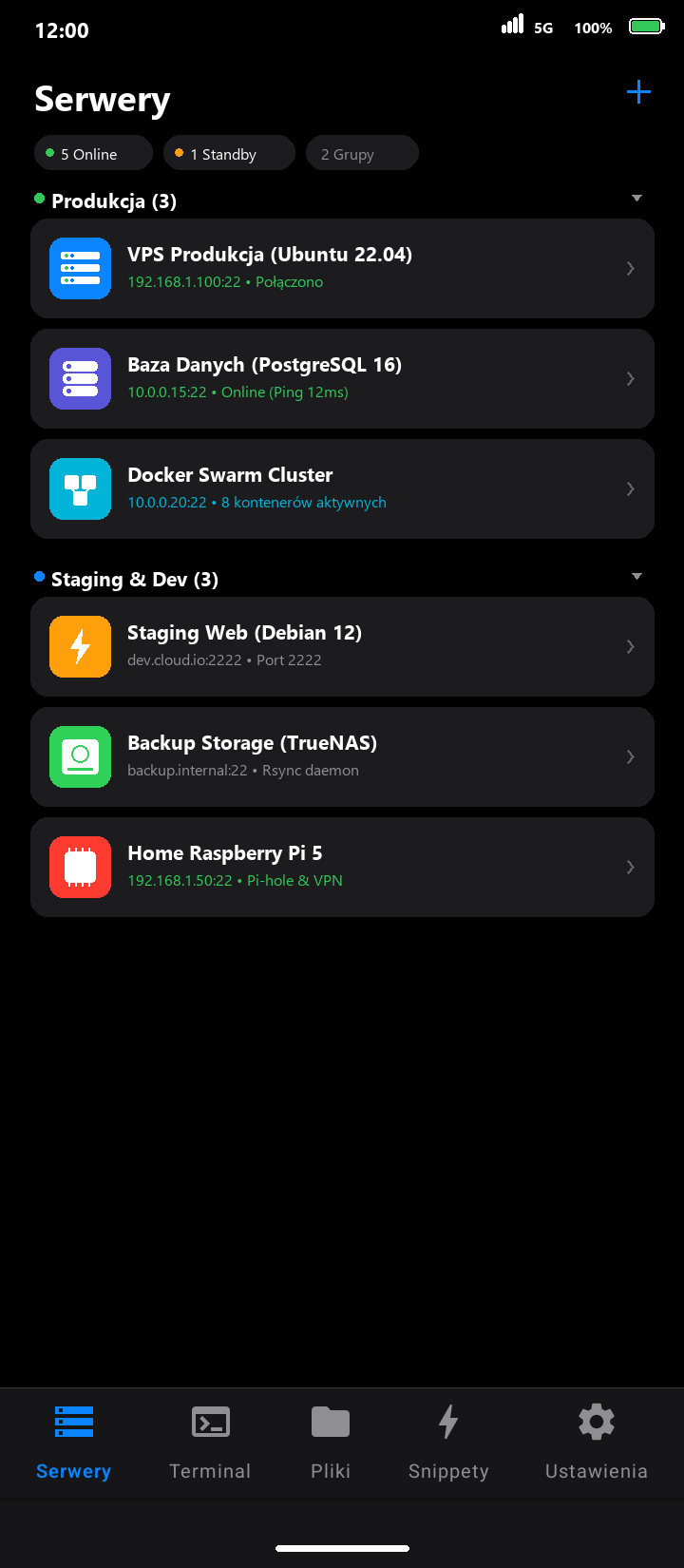
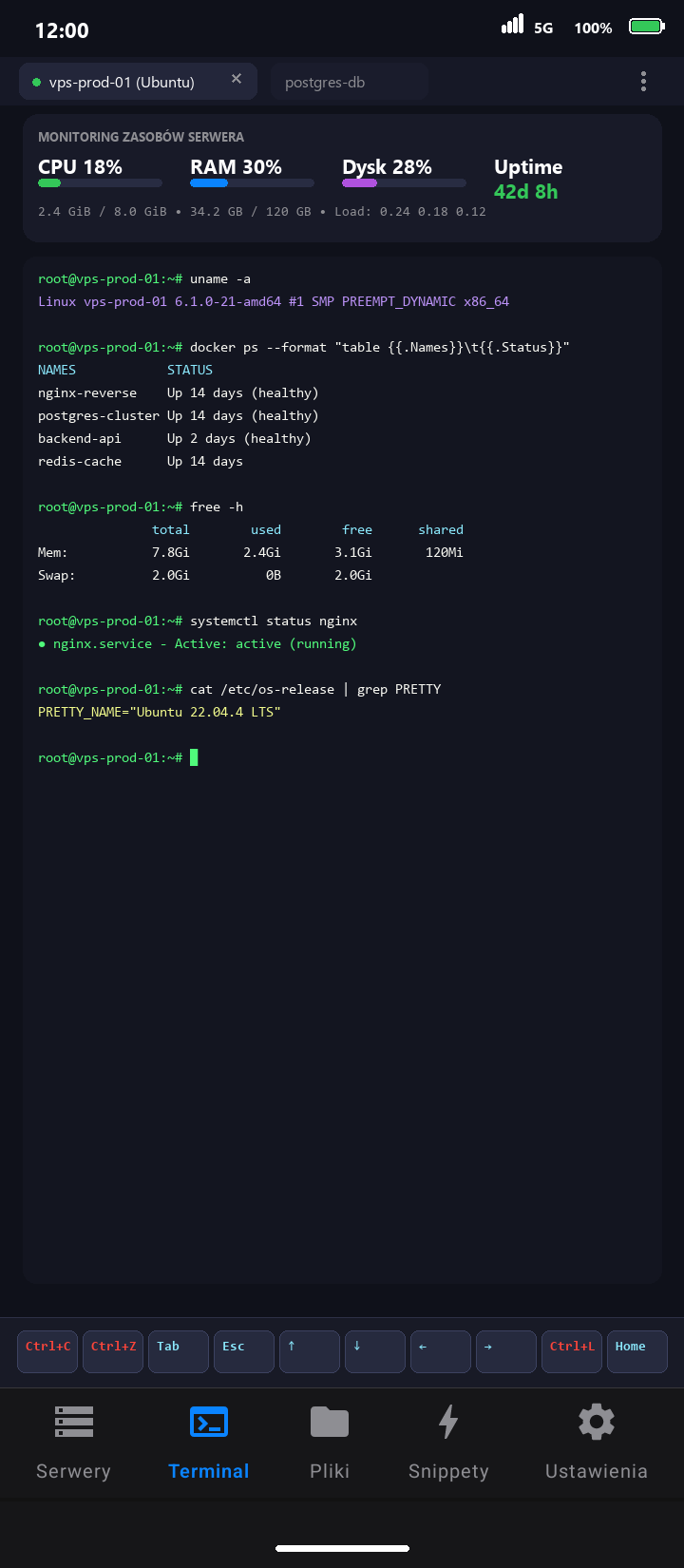
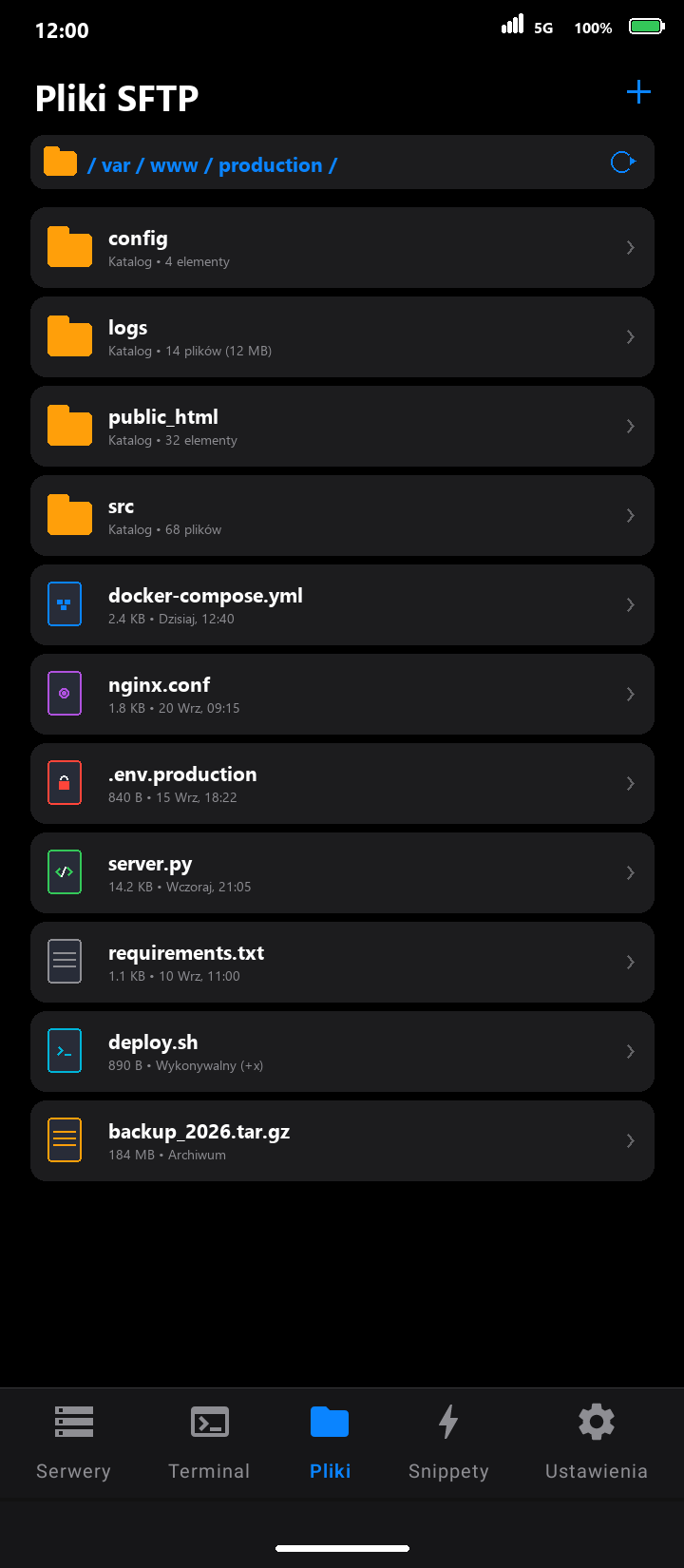
Feature preview
An animation made from the presentation materials. No live server connection is shown.
Connection checklist
- Host and SSH port.
- Your username and supported authentication method.
- Verify the host fingerprint before accepting the connection.